Core capabilities
Four pipelines, design through code
The HarmonyOS AI-coding stack has long lacked professional diagramming — drawings made in external tools, architectures reconstructed in your head, AI coding without a visual spec. HarmonyAIDraw fills the gap.
F1
Chat-to-diagram
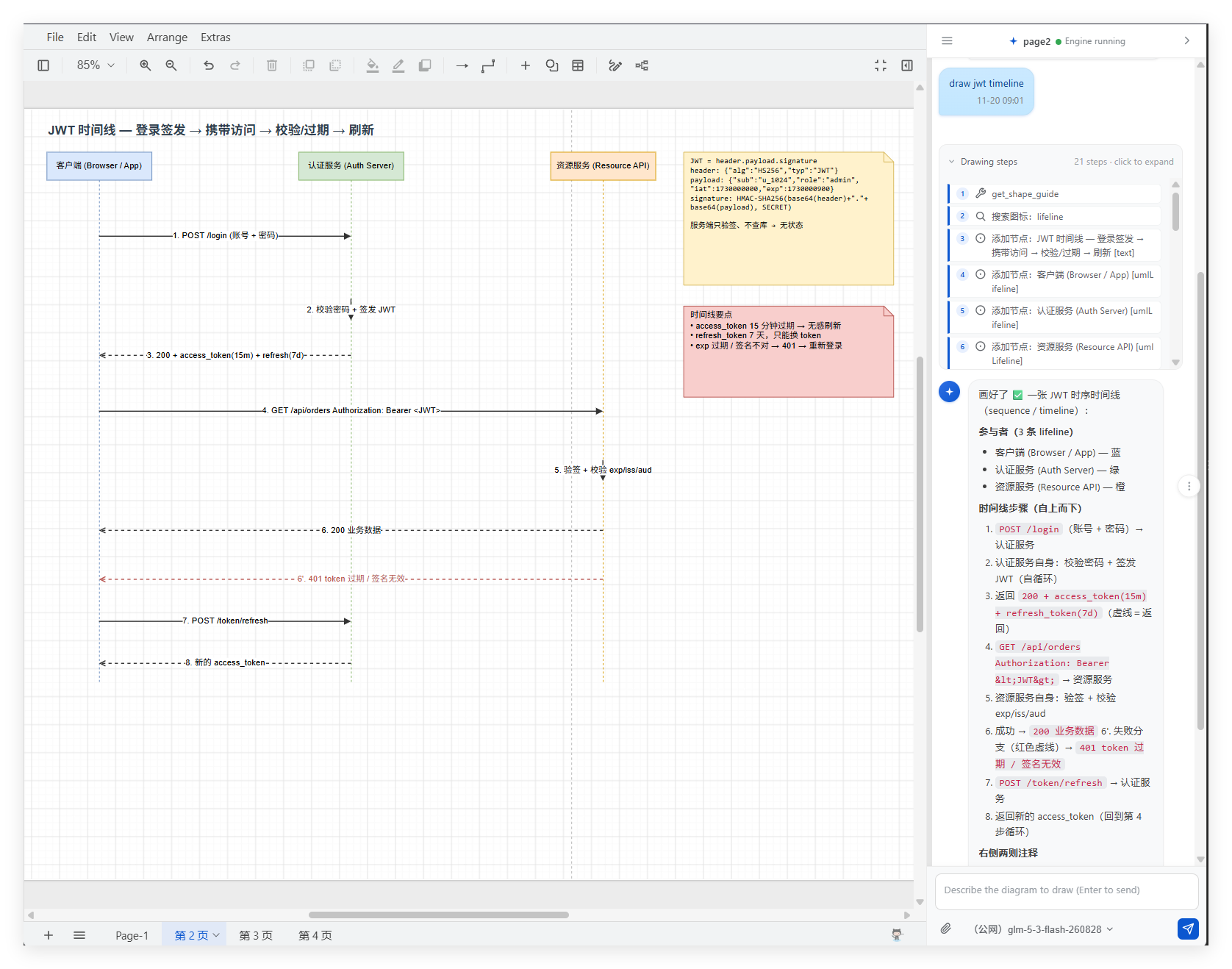
Generate flowcharts, sequence diagrams, use-case diagrams, architecture diagrams and class diagrams from natural language. Watch the agent paint progressively with a live step trace; refine over multiple turns; Ctrl+Z reverts every single step. Drop in an image, PDF or sketch and say "recreate the flow in this picture" to get a standard editable diagram.
- 5 UML/flowchart types
- Multimodal attachments
- Incremental refinement
- Step-by-step undo
F2
Code-to-diagram
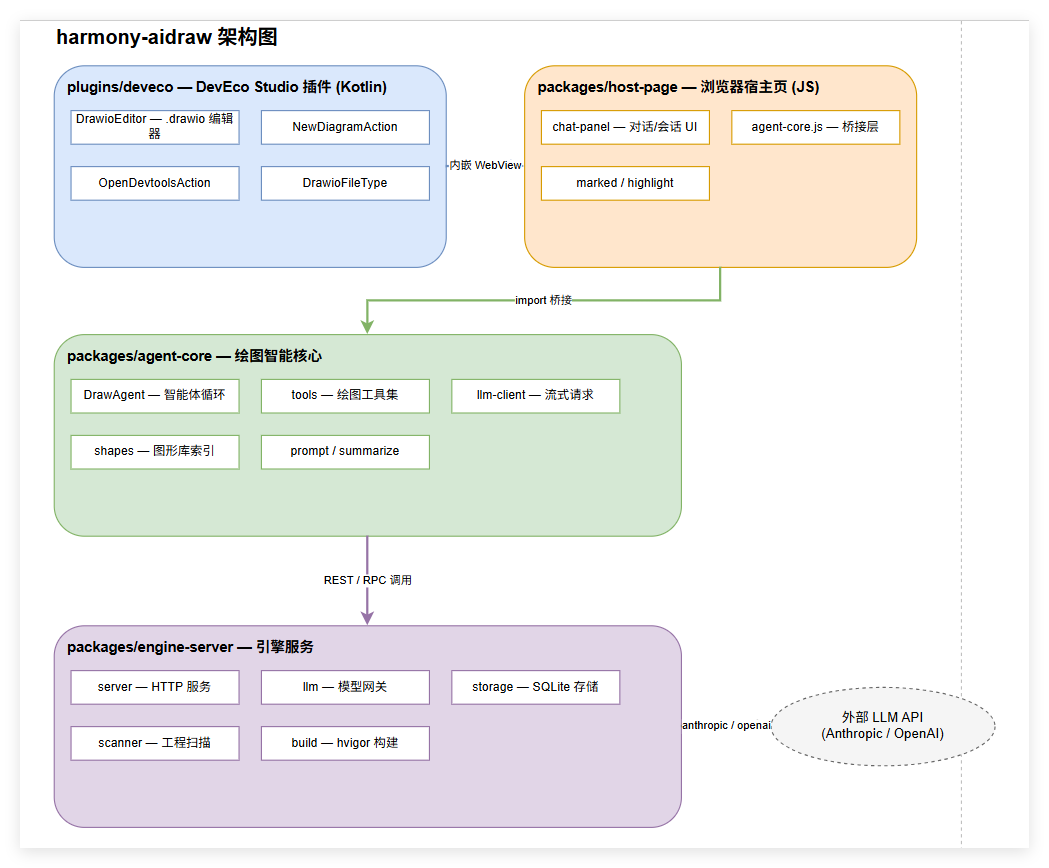
Scan a HarmonyOS project (module.json5 / oh-package.json5 / .ets sources) and get the three-layer module architecture (entry/har/hsp), flowcharts, sequence and class diagrams — with the scan result as the single source of truth. Architecture onboarding drops from days to one conversation.
 F3
Diagram-to-code with a real compile loop
Diagram → ArkTS code (pages + ViewModels + auto-registered routes) → real hvigor compile verification, with failure logs fed back for automatic repair (≤2 rounds), producing an -unsigned.hap. Generation is not the finish line — a green build is. Java/Spring, Python and React skeletons are also supported.
$ hvigor assembleHap --no-daemon
# diagram-to-code: read graph semantics → write pages/ViewModels/routes
BUILD SUCCESSFUL in 6s
✔ artifact: entry-default-unsigned.hap
F4
One engine, two IDEs
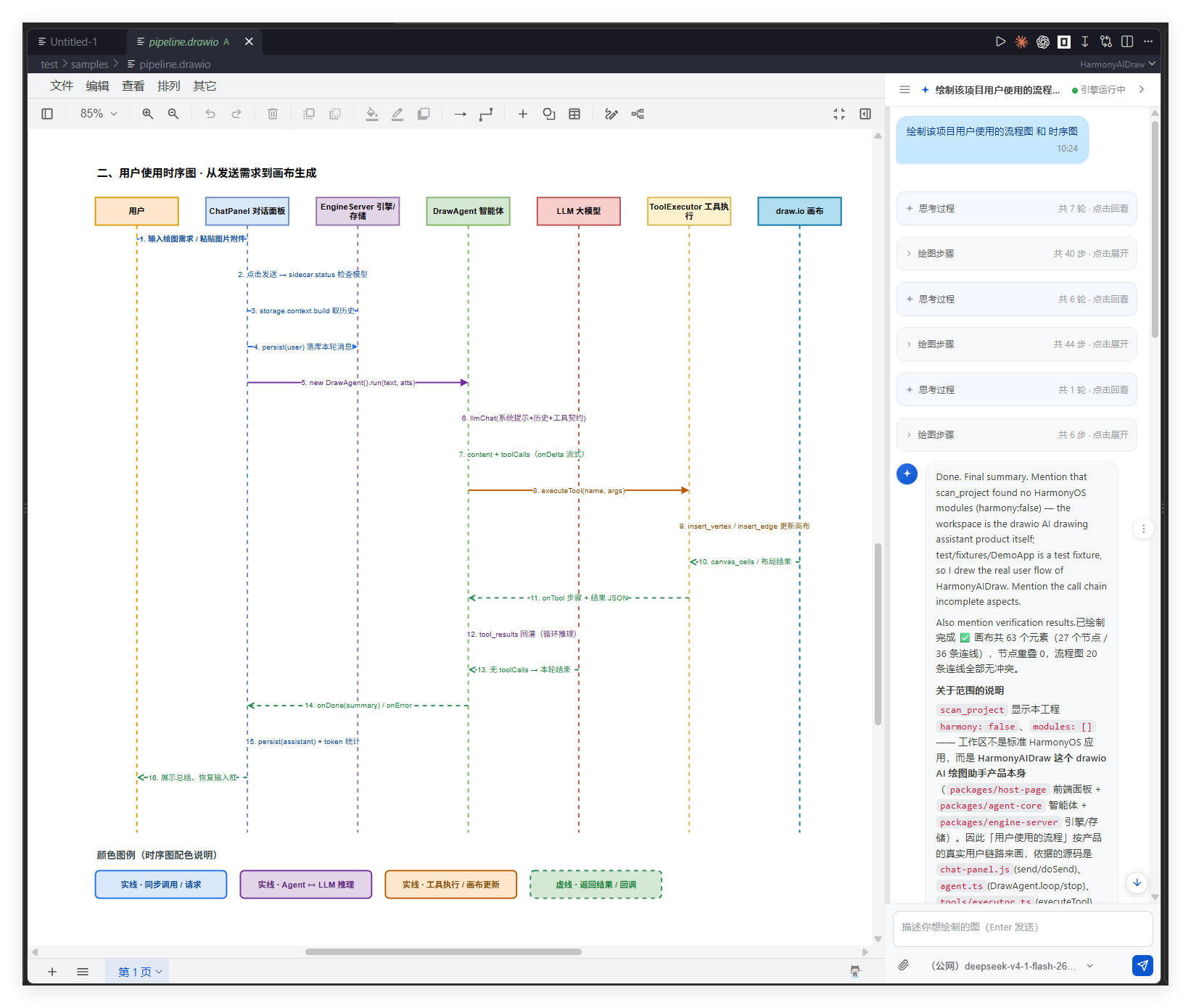
DevEco Studio and VS Code share the same web assets and engine — zero duplicated business logic. Model configs, session history and panel state carry across both; sessions bind to .drawio pages and migrate automatically when files are renamed or moved, so refactors never break the link.
- Shared config across IDEs
- SQLite-persisted sessions
- Bilingual UI (EN/中文)
- Path sandboxing
 HarmonyAIDraw